IMPORTANT NOTE
DialedIn does not provision or manage your destination environment. Customers are responsible for providing valid credentials and ensuring connectivity, directory/bucket access, and sufficient storage.
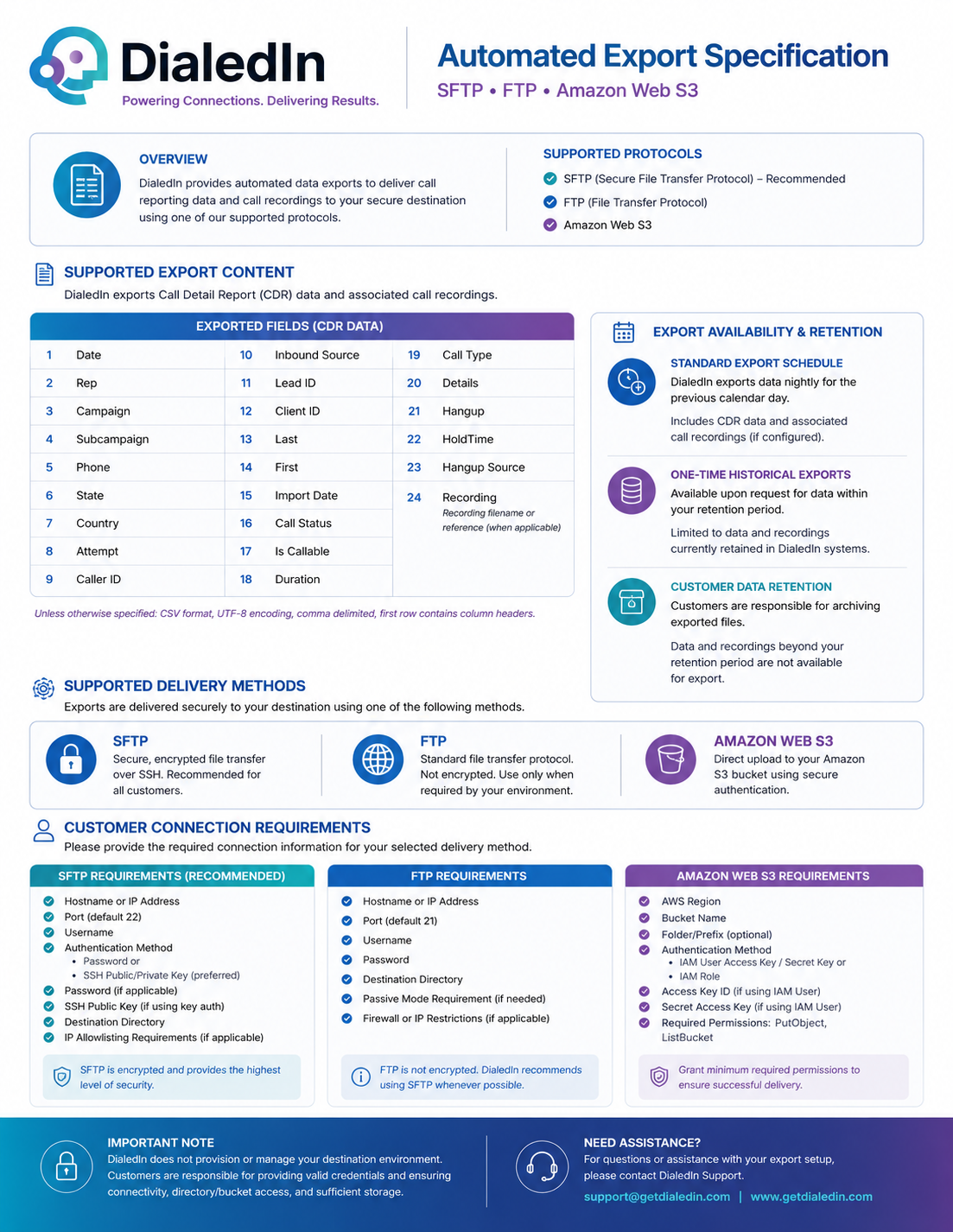
DialedIn provides you with a standard automated export offering, providing guidelines on delivery methods available, connection requirements, export schedule, and data retention expectations. It supports SFTP (recommended), FTP, and Amazon Web S3.
DialedIn exports Call Detail Record (CDR) data and associated call recordings. Unless otherwise specified, exported data is provided in CSV format, comma delimited UTF-8 encoding, with the first row containing the column headers. Following are the standard fields (CDR data) exported.
| EXPORTED FIELDS (CDR DATA) | |||||||
|---|---|---|---|---|---|---|---|
| 1 | Date | 7 | Country | 13 | Last | 19 | Call Type |
| 2 | Rep | 8 | Attempt | 14 | First | 20 | Details |
| 3 | Campaign | 9 | Caller ID | 15 | Import Date | 21 | Hangup |
| 4 | Subampaign | 10 | Inbound Source | 16 | Call Status | 22 | HoldTime |
| 5 | Phone | 11 | Lead ID | 17 | Is Callable | 23 | Hangup Source |
| 6 | State | 12 | Client ID | 18 | Duration | 24 | Recording • filename or reference (when applicable) |
Exports are delivered securely to your destination using one of the following methods.
| SFTP |
Secure File Transfer Protocol – Secure, encrypted file transfer over SSH. Recommended for all customers. |
|---|---|
| FTP |
File Transfer Protocol – Standard file transfer protocol. Not encrypted. Use only when required by your environment. |
| Amazon Web S3 |
Direct upload to your Amazon S3 bucket using secure authentication. |
DialedIn exports data nightly for the previous calendar day.
Includes CDR data and associated call recordings (if configured)
Available upon request for data within your retention period.
Limited to data and recordings currently retained in DialedIn systems.
Customers are responsible for archiving exported files.
Data and recordings beyond your retention period are not available for export.
Please provide the required connection information for your selected delivery method
SFTP Requirements (recommended)SFTP is encrypted and provides the highest level of security.
FTP is not encrypted. DialedIn recommends using SFTP whenever possible.
Grant minimum required permissions to ensure succesful delivery.
DialedIn does not provision or manage your destination environment. Customers are responsible for providing valid credentials and ensuring connectivity, directory/bucket access, and sufficient storage.